
HDR Real Estate Photo Editing for Clear Windows
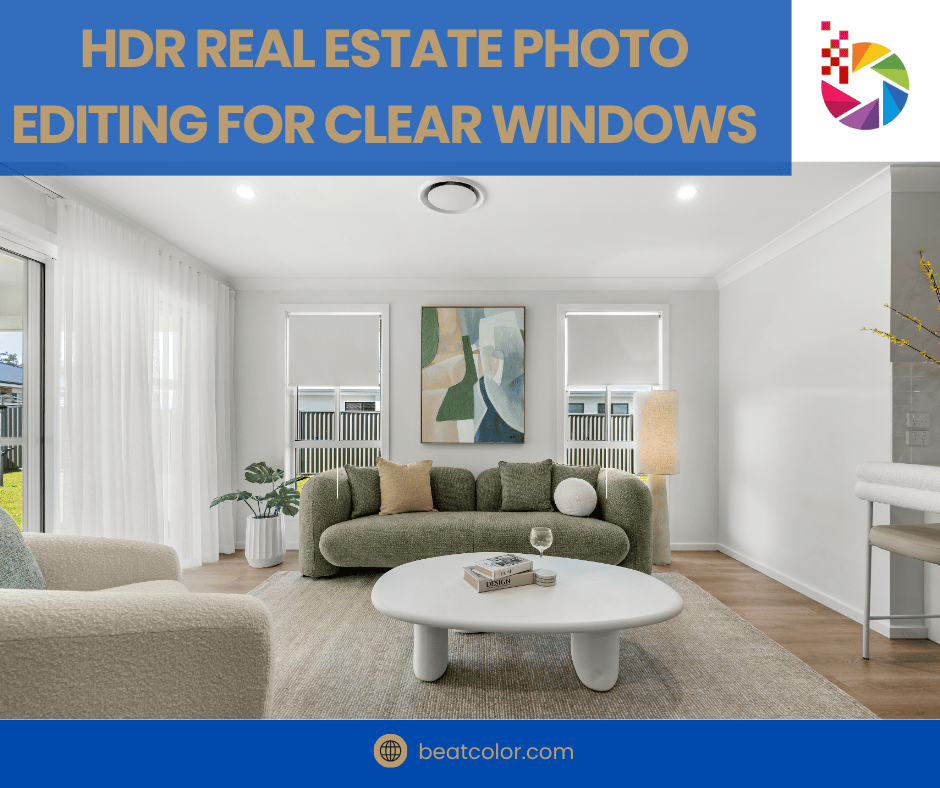
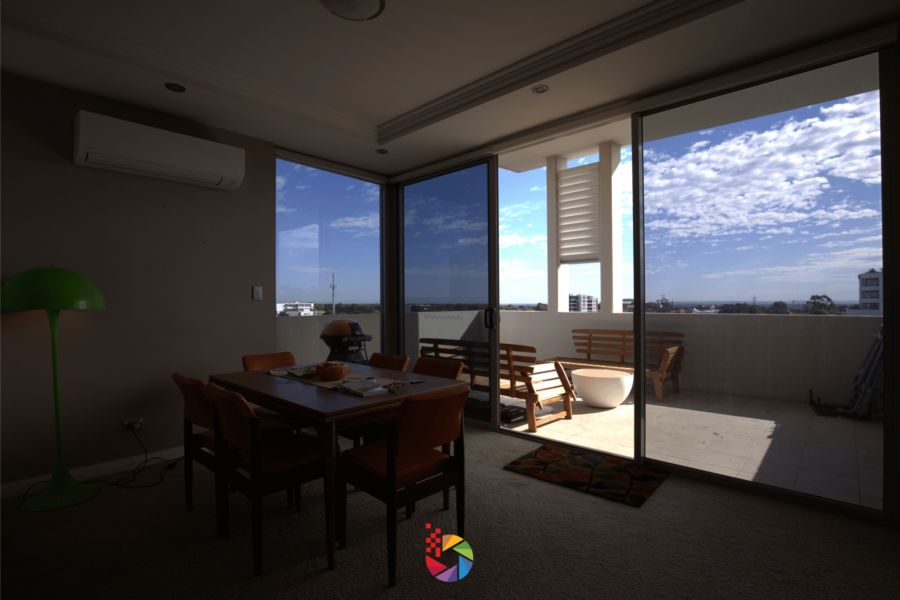
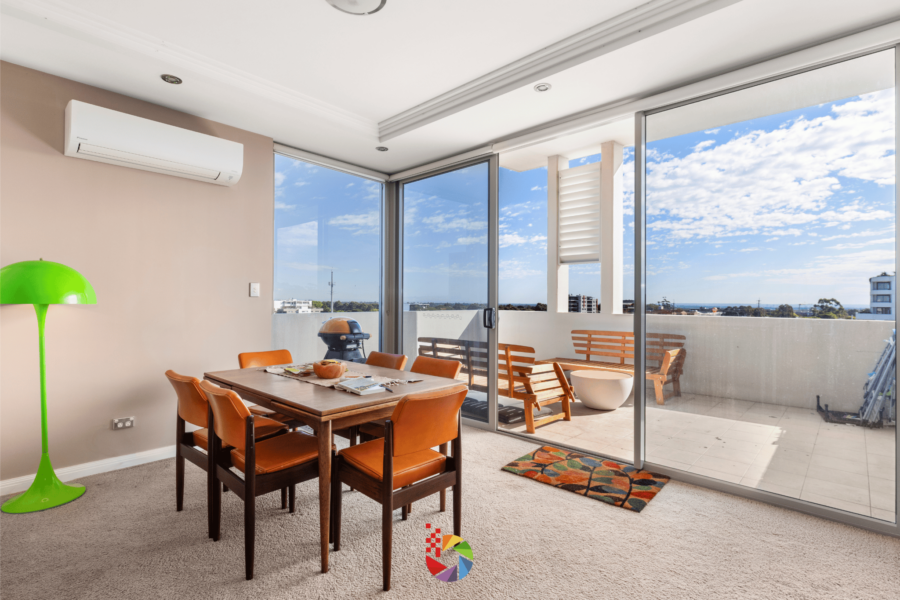
Bright windows are the biggest challenge in interior photography. A single frame cannot capture both a dim room and a sunny view. HDR real estate photo editing solves this problem by combining several exposures into one balanced image. As a result, buyers see a clear view and a well-lit room. In this guide, you will learn five window view techniques.
Windows sell a home. A clear view shows natural light, open space, and the surrounding neighborhood. In contrast, blown-out white windows make a room look flat and unfinished. Therefore, a clean window view is one of the fastest ways to make a listing look professional.
5 Window View Techniques in HDR Real Estate Photo Editing
1. Shoot Bracketed Exposures First
Great editing starts in the camera. Place the camera on a tripod and shoot three to five brackets. One frame should expose for the room, and another should expose for the window. Consequently, you capture the detail that editing needs later.
2. Blend the Window View With Luminosity Masks
In Photoshop, build a luminosity mask from the bright frame, so the selection grabs only the window. Next, paint the darker exposure in through that mask. The room keeps its warm, natural light. If an edge looks harsh, soften the mask by a pixel or two.
3. Match Color Temperature Between Window and Room
Indoor lights often look warm and yellow. Daylight outside the window looks cooler and bluer. For example, a mismatch can leave a blue tint around the frame. Adjust white balance separately for the window area, and the whole image feels consistent.
4. Pull a Clean Window View From a Darker Frame
A window pull replaces an overexposed window with a correctly exposed one from another frame. It works well when the sky or garden outside is the main attraction. For tricky edges, professional retouching services can clean up blinds, screens, and reflections. Moreover, a skilled editor keeps the original view accurate.
5. Protect Window Edges From Halos
Halos appear as bright outlines around frames, curtains, and trees. They give away heavy editing right away. To avoid them, refine the mask edges and lower the contrast near the borders. Finally, zoom in to 100% and check every window before you export.
Mistakes to Avoid in HDR Real Estate Photo Editing
Even experienced editors make these errors:
- Over-saturated views that look unreal
- Crushed shadows that hide detail in dark corners
- Fake outdoor scenes that do not match the actual property
- Gray, dull rooms caused by flat blending
Honesty matters here. Enhance the real view, and never replace it with a scene that misleads buyers. Follow your local MLS rules at all times.
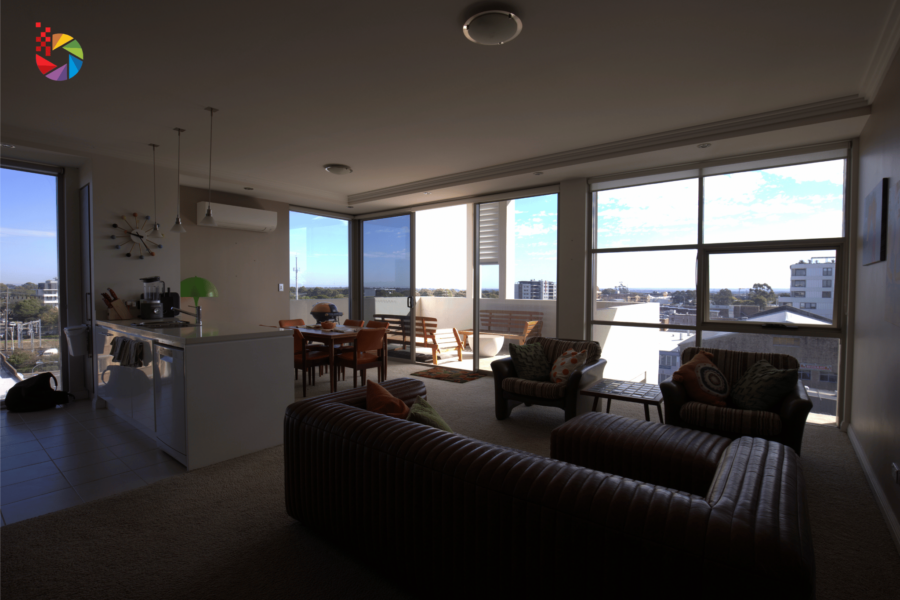
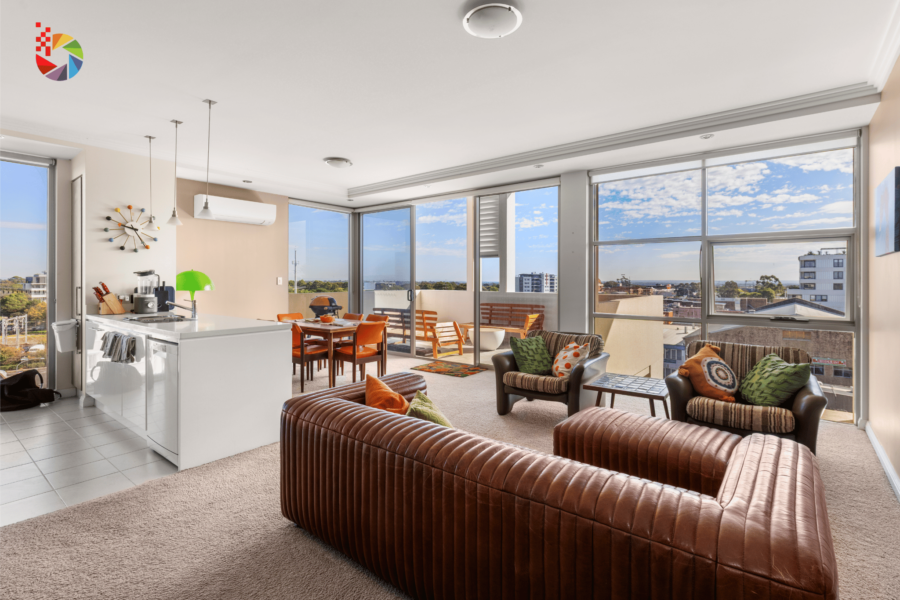
Get Better Results With Professional HDR Real Estate Photo Editing
Window work takes time, especially on large listings with many rooms. For that reason, many photographers send their files to a trusted team. A good provider delivers clear windows, natural colors, and fast turnaround. In addition, professional HDR real estate photo editing frees you to focus on shooting more listings.
Final Thoughts
Clear windows make bright, inviting interiors. Shoot clean brackets, blend with masks, match color, pull a clean view, and protect the edges. In short, these five techniques turn a difficult room into a strong listing photo.
Ready to see the difference? Register for an account today and claim 3 free test images from Beat Color. Our team will support you from the first photo.