
Why Every Creator Needs a Professional Photo Editor for Social Media
A photo editor for social media platforms is the most essential tool in a modern creator’s digital arsenal. Because the digital landscape is increasingly competitive, simply posting a raw image is no longer enough to capture the dwindling attention spans of scrolling users. Professional editing allows you to stand out in a sea of mediocre content. It gives your brand a polished, trustworthy look that attracts followers instantly.
In this blog, we’ll share the vital importance of high-quality visuals, explore various image adjustment tools, and provide a comprehensive guide on using a visual content enhancer to skyrocket your engagement rates. We will also dive into the technical nuances of professional picture modification software to ensure your feed looks cohesive and polished. Following these steps will help you master the art of digital storytelling.
I. The Impact of High-Quality Visuals on Digital Engagement
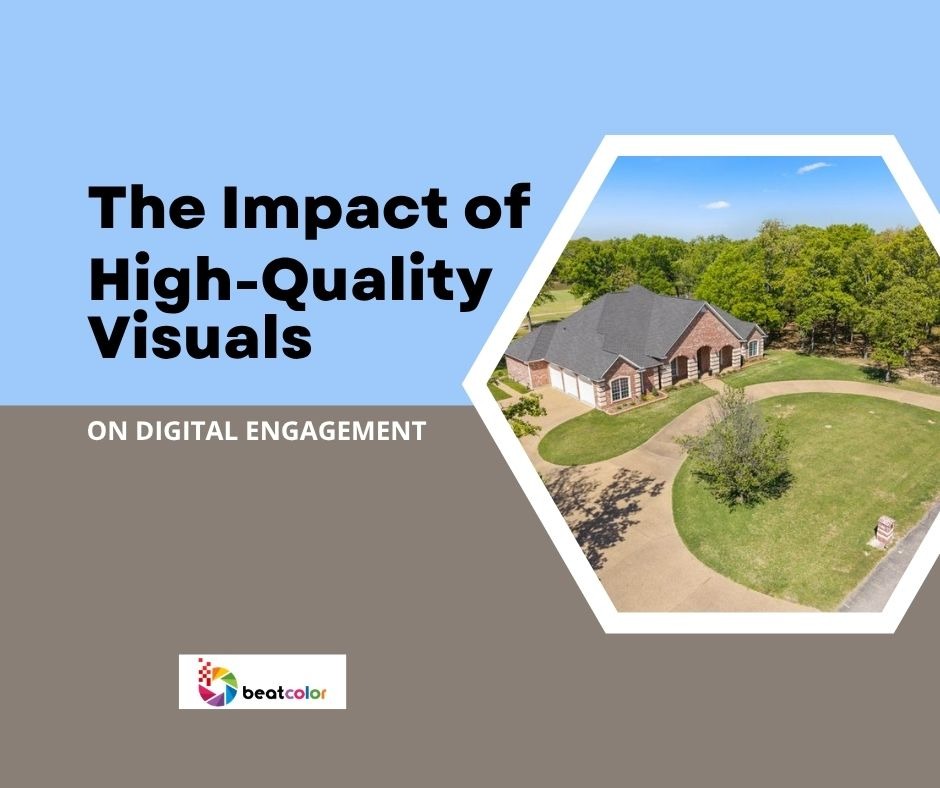
Photo editors for social media applications serve as the bridge between a simple snapshot and a viral post. When you utilize professional editing, you are not just changing colors. Rather, you are crafting an emotional narrative that resonates with your specific audience. High-quality imagery builds trust and authority instantly. It makes your profile look professional.
1. Building Brand Consistency with a Visual Content Enhancer
A consistent look is paramount for brand recognition. By using a specific visual content enhancer, you can apply uniform filters and presets that make your profile instantly recognizable. Consequently, followers will begin to associate specific color palettes with your unique brand identity. This consistency is essential for long-term growth on any platform.
2. Increasing Click-Through Rates via Image Adjustment Tools
Visuals are the first thing a user sees before reading a caption. If your image is blurry or poorly lit, users will likely skip past it. However, a quick run through an image adjustment tool can fix lighting issues and sharpen details. This makes the “thumb-stop” effect much more achievable for any creator. Better visuals lead to more clicks.
II. Essential Features of a Top-Tier Visual Content Enhancer
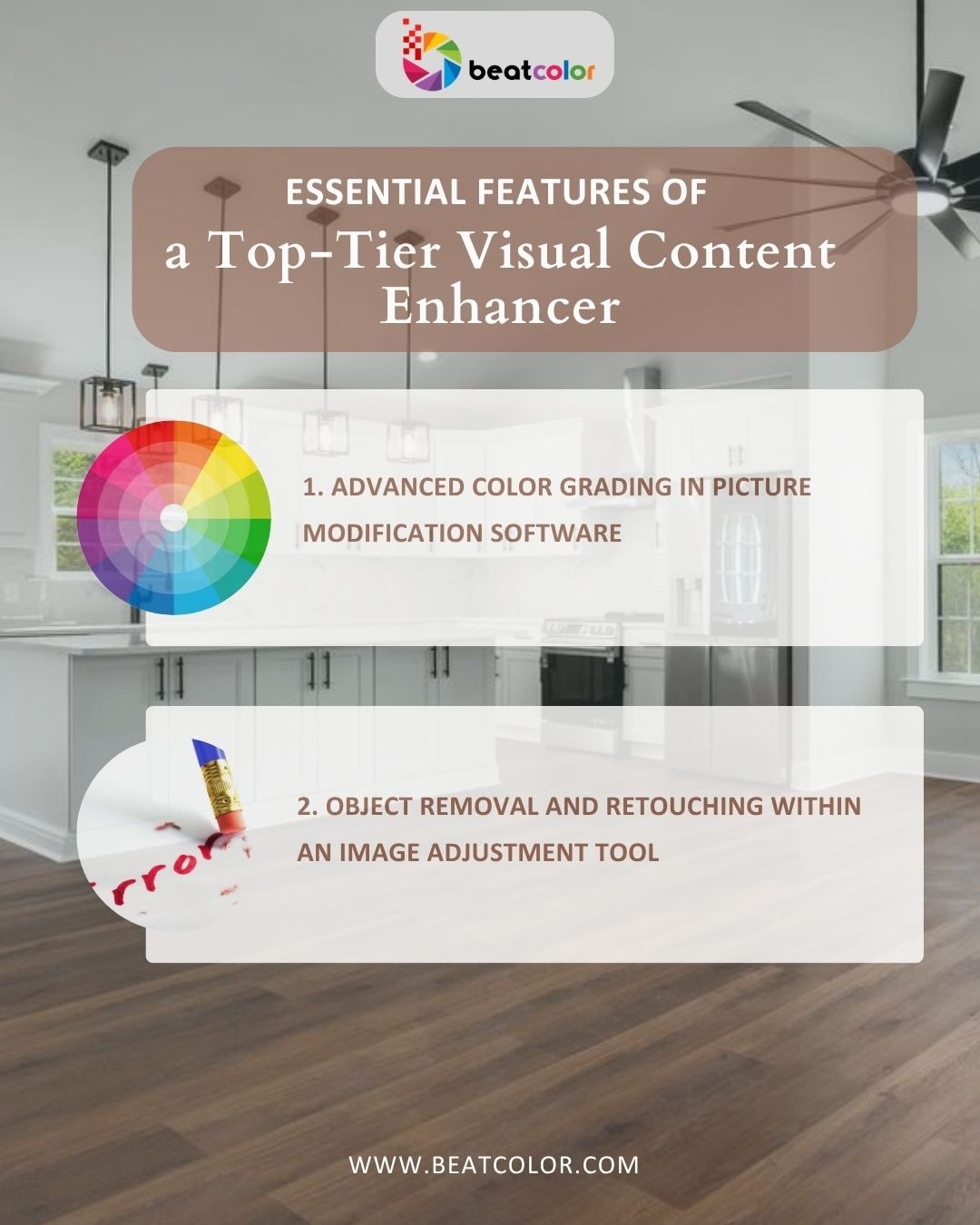
Visual content enhancer technology has evolved rapidly. It now offers features that were once reserved for Hollywood studios. To stay ahead, you must understand which features actually move the needle for social growth. Modern software should offer a balance between automated AI fixes and granular manual controls. This balance ensures both speed and quality.
1. Advanced Color Grading in Picture Modification Software
Color grading goes beyond simple brightness and contrast. It involves manipulating shadows, highlights, and midtones to create a specific mood. Because social media is so visual, these subtle changes can make a massive difference. They change how your content is perceived by new viewers. Good color grading defines your style.
2. Object Removal and Retouching within an Image Adjustment Tool
Sometimes, a perfect photo is ruined by a stray trash can or a distracting background element. A robust picture modification software allows you to seamlessly clone or remove these distractions. This ensures the focus remains entirely on your subject. This leads to a much cleaner and professional aesthetic. Clean images perform better.
III. Comparing Modern Picture Modification Software Options
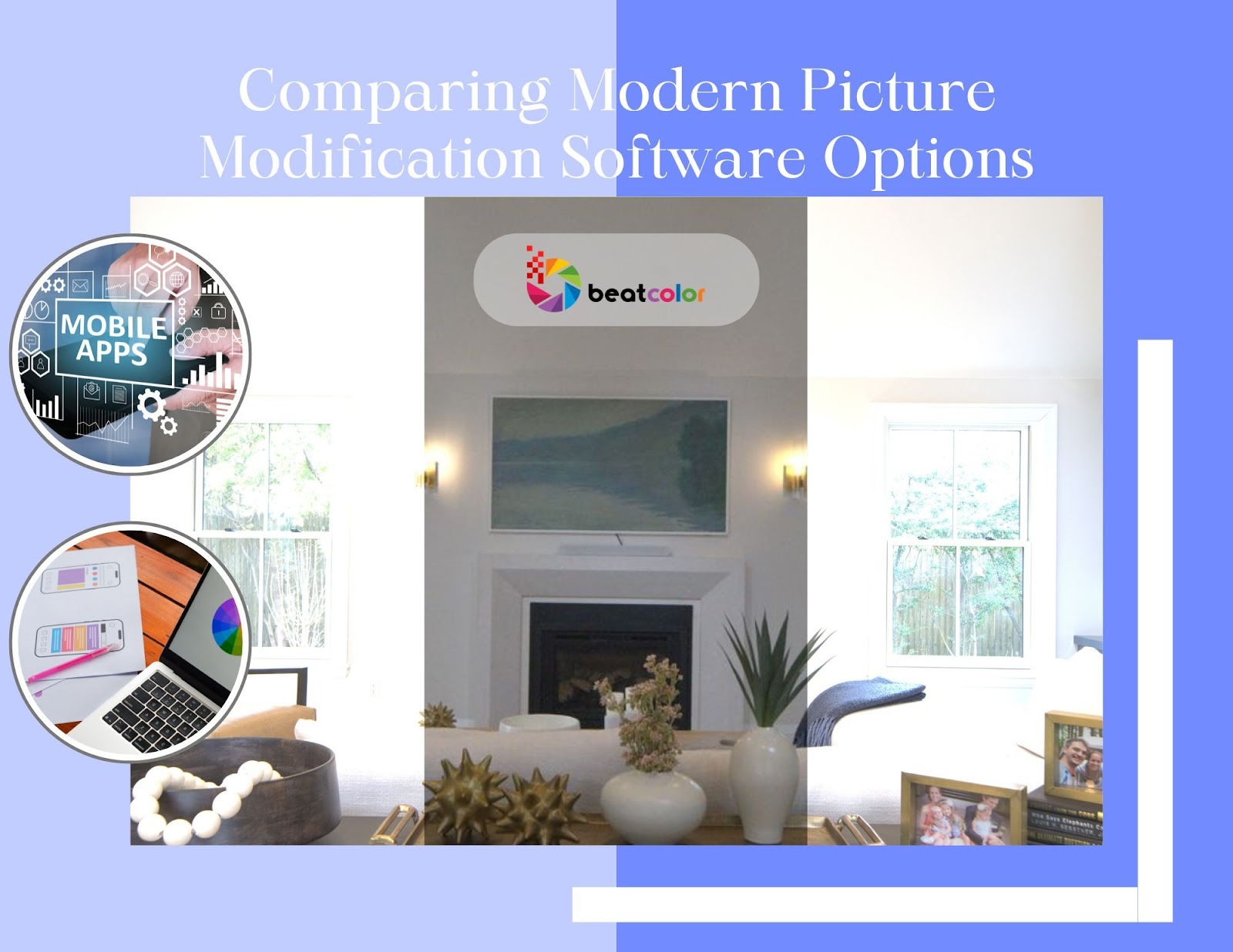
Picture modification software comes in many forms. These range from mobile apps to heavy-duty desktop suites. Choosing the right one depends on your workflow and the complexity of the edits you require. Whether you are a casual poster or a professional marketer, there is a tool tailored to your specific needs. Your choice defines your output quality.
1. Mobile-First Photo Editor for Social Media Apps
Mobile editors are perfect for real-time posting and stories. They offer quick templates and easy-to-use sliders that anyone can master. However, they might lack the precision needed for large-scale commercial printing. They are best for creators who are always on the move. Convenience is their biggest advantage.
2. Professional Desktop Picture Modification Software
Desktop software provides the ultimate control for serious creators. If you need to work with RAW files or perform intricate layers, this is the route to take. Many professionals prefer this because it offers non-destructive editing capabilities. You can always go back and change things later. It is built for high-end results.
IV. Professional Tips for Optimizing Your Social Media Feed
Image adjustment tool usage should be subtle yet effective. Over-editing is a common mistake that can make your photos look “fake” or unappealing. Therefore, the goal is to enhance the natural beauty of the shot. You should avoid completely rewriting the image. Keeping the “human” element alive is crucial for engagement.
1. Understanding Aspect Ratios for a Photo Editor for Social Media
Each platform has its own requirements. Instagram prefers 4:5 for portraits, while X (Twitter) often favors 16:9. Always crop your images using your photo editor for social media before uploading. This helps you avoid awkward automatic cropping by the platform’s algorithm. Correct sizing keeps your feed looking sharp.
2. Balancing Sharpness and Grain in a Visual Content Enhancer
While sharpness adds clarity, a little bit of artificial grain can add an organic feel. This paradox is a favorite among lifestyle influencers. They want to appear more “relatable” and less “corporate.” It helps build a deeper connection with their followers. Texture adds a unique personality to your photos.
Final Thoughts
Choosing the right photo editor for social media is a journey of trial and error. Because every brand is different, you might need to experiment with several image adjustment tools before finding your perfect match. Ultimately, the goal is to create a visual language that speaks for you when you aren’t there. By consistently using a visual content enhancer, you ensure that every post contributes to a professional and engaging online presence. Start small, focus on lighting, and watch your community grow through the power of beautiful imagery.
Read more:
Mastering Multiple Exposures in Photo Editing: A Creative Guide
Photo Enhancement: The Secret to Luxury Real Estate Visuals in 2026
Top Tips for Successful Property Photography