
Virtual Renovation Real Estate: Ideas for Outdated Kitchens, Bathrooms, and Floors

Virtual renovation real estate edits can make a dated home look fresh and ready to sell. Picture a house with a solid layout but an old kitchen, tired bathrooms, and worn floors. Buyers scroll past the photos in seconds. They cannot see the potential behind the dated look.
Still, a few smart edits can change that first impression. In this article, you will find five ideas for kitchens, bathrooms, and floors. You will also learn how to use them honestly.
What Is Virtual Renovation Real Estate, and When Does It Help?
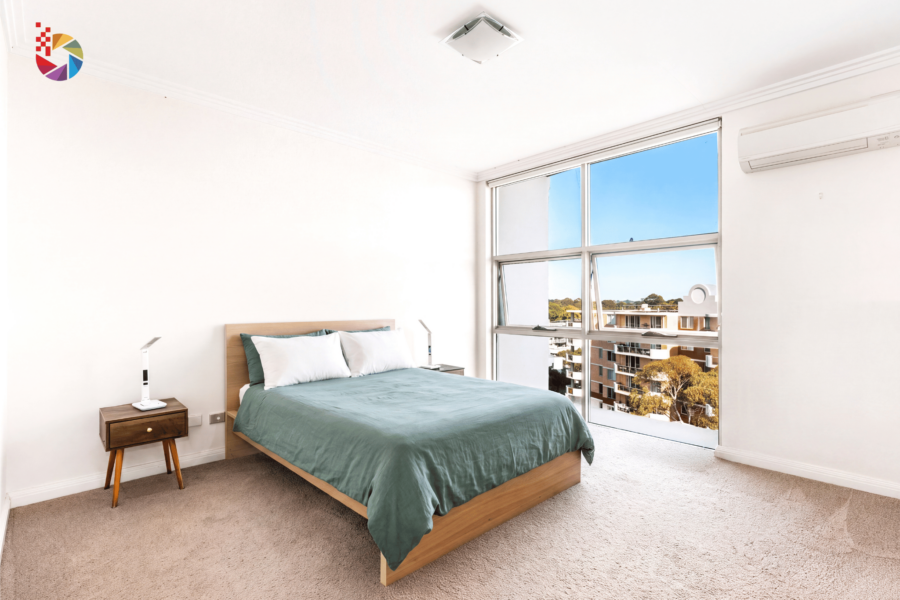
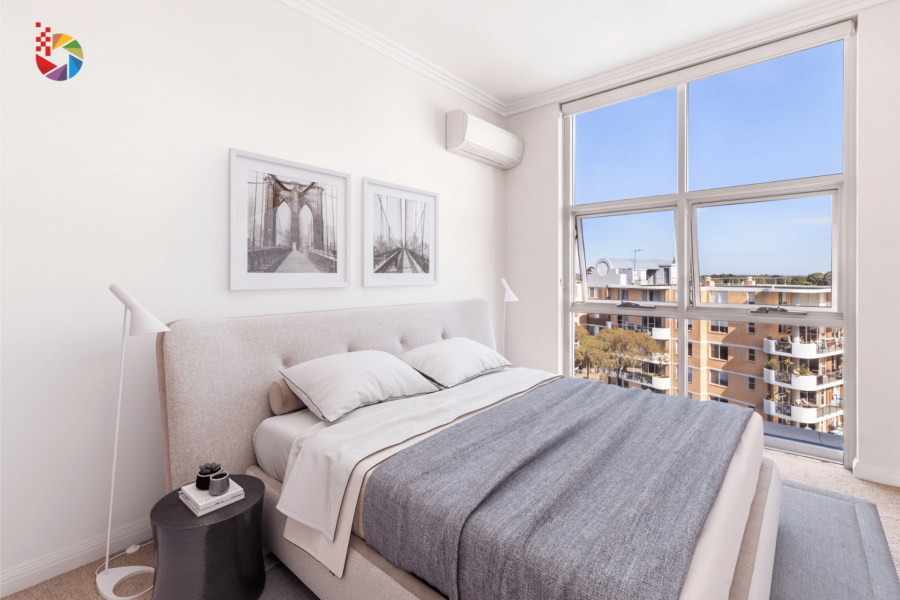
Virtual renovation real estate editing updates the look of a home in photos without any construction. An editor changes cabinet colors, countertops, tiles, or floors, so buyers see a finished space. Virtual staging is different because it adds furniture. Renovation changes the surfaces and materials.
It helps most in these situations:
- A seller wants to update a home before listing it
- A resale home still has old finishes
- An investor wants to preview a project before spending money
The benefits are clear. First, buyers can imagine the potential of the home. Second, the listing stands out in search results. Finally, sellers can test ideas before they pay for real work.
5 Virtual Renovation Real Estate Ideas for Kitchens, Bathrooms, and Floors
These five virtual renovation real estate ideas give the biggest visual change. Each one keeps the layout of the room the same.
1. Fresh Cabinet Colors and Finishes
Dark, worn cabinets can make a kitchen feel small. An editor can change them to white, soft gray, or deep blue. The new color brightens the room right away. Meanwhile, the layout stays exactly the same.
2. Updated Countertops and Backsplash
Old countertops and tile often date a kitchen. Editors replace them with clean stone looks and simple backsplash tile. As a result, the space feels brighter and cleaner. Buyers also see how a modern finish could look.
3. Modern Bathroom Tile and Vanity
Bathrooms with old tile feel small and tired. Editors change the tile, sink, and vanity to a simple, light style. For example, white tile with a soft wood vanity looks fresh and calm. Buyers can picture themselves using the space.
4. Better Fixtures, Mirrors, and Lighting
Small details make a big difference. New faucets, handles, mirrors, and light fixtures lift the whole room. Likewise, warm lighting makes a space feel welcoming. These changes are subtle, so the result looks natural.
5. New Flooring Looks
Worn carpet and dull tile pull down a good room. Editors swap them for light wood or clean tile. Consequently, the room looks larger and brighter. Flooring also ties the whole home together in one style.
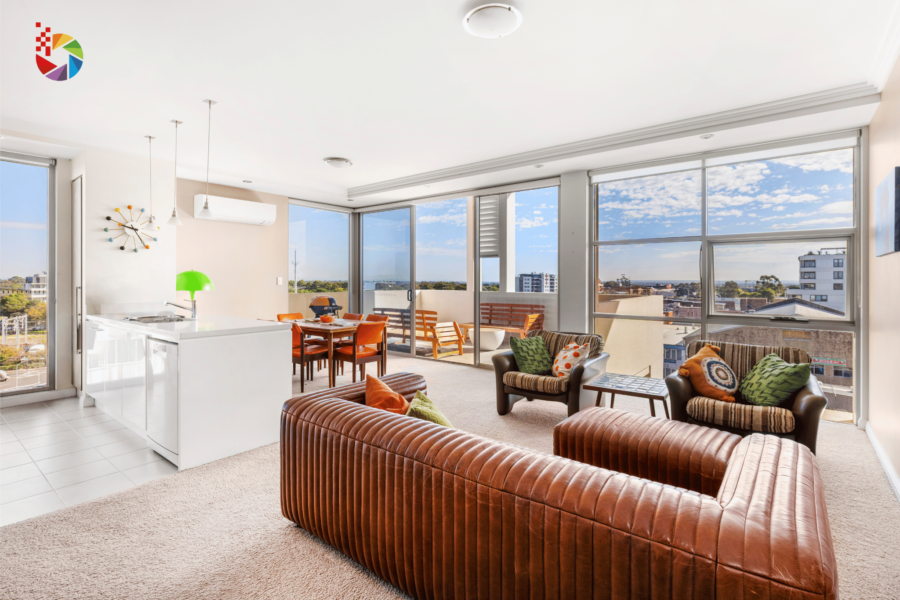
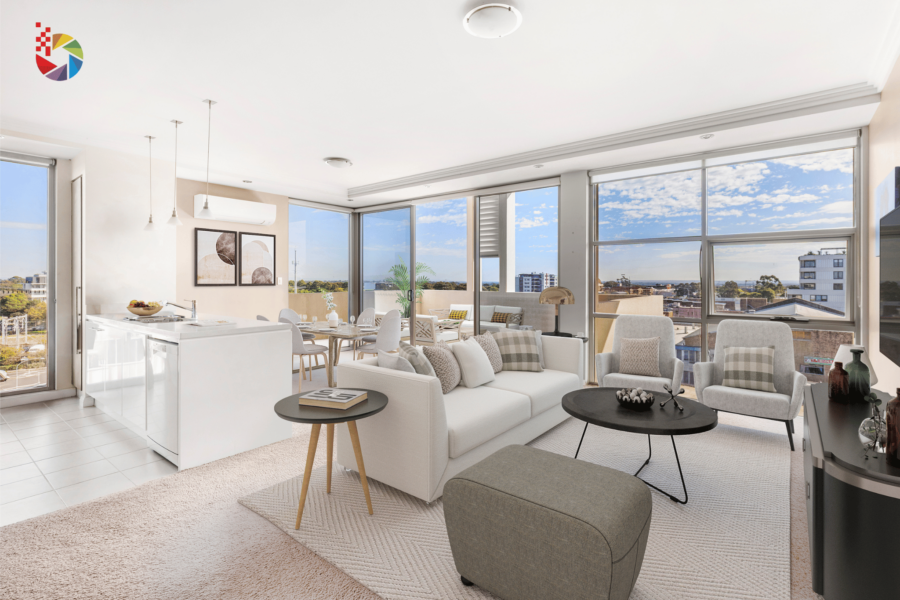
How to Keep Virtual Renovation Real Estate Photos Honest
Honesty matters more than style. Buyers must know what is real and what is not. Follow these steps:
- Label edited photos in the listing, for example, with the words “virtually renovated.”
- Show the original photo, or place before and after images side by side
- Never hide real damage, such as cracks, mold, or structural problems
- Keep the room size and layout unchanged
- Follow local MLS rules about edited photos
These steps protect buyers and protect you. Therefore, clear labels build trust and prevent disputes later. In short, the goal is to show potential, not to mislead anyone. Good virtual renovation real estate photos help buyers imagine the home, and honest labels keep that imagination grounded.
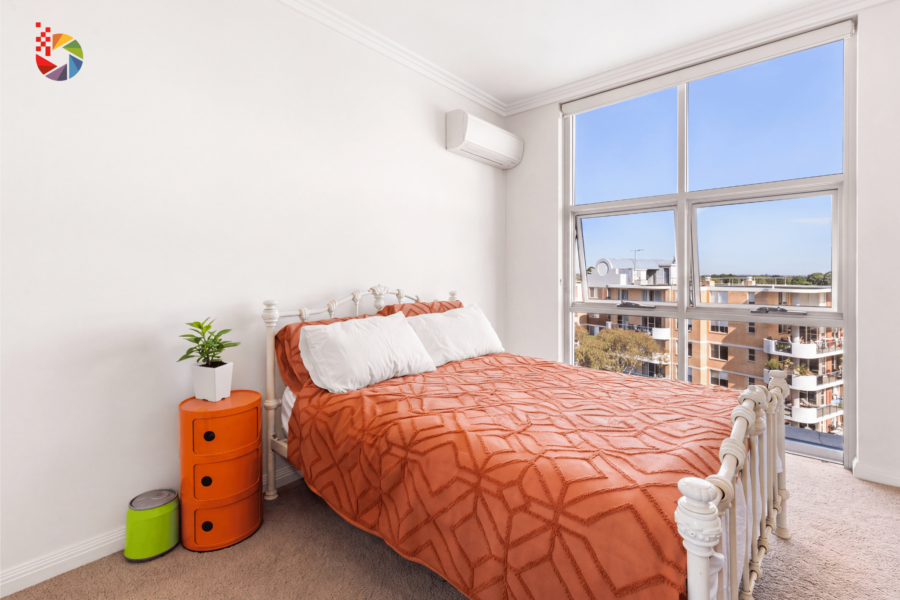
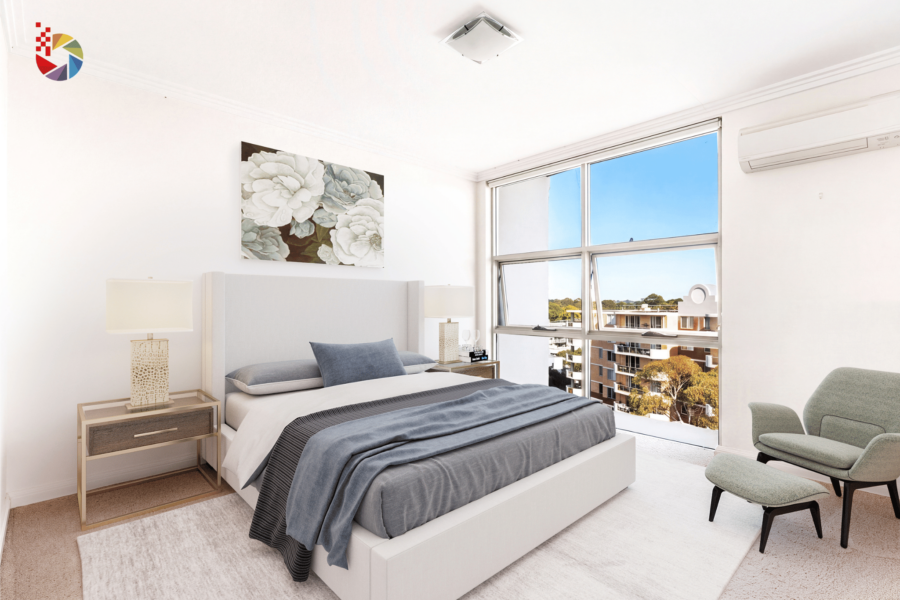
Tips for Briefing an Editor on a Virtual Renovation
A clear brief saves time and reduces revisions. Use these tips:
- Send high-quality original photos from several angles
- Describe the style you want, such as modern, classic, or neutral
- Share reference photos
- List what should stay the same
- Send all photos from one listing together so the style stays consistent
Moreover, give the editor a short note about the buyer you want to reach. For example, a family buyer may prefer warm, simple finishes. In addition, ask the editor to confirm the plan before work begins. Consequently, the result matches your vision.
Final Thoughts on Virtual Renovation Real Estate
Virtual renovation real estate edits help buyers see the potential of a dated home. Kitchens, bathrooms, and floors give the biggest change with the least effort. In short, use these ideas with clear labels, and your listing will stay honest and attractive.
Ready to update your listing photos? Register an account today to get support from the Beat Color team.