
Mastering Multiple Exposures in Photo Editing: A Creative Guide
Multiple exposures in photo editing represent a powerful bridge between traditional film aesthetics and modern digital precision. While the technique originated in the darkroom by exposing a single piece of film twice, today’s software allows us to blend disparate worlds into a single, cohesive frame with unmatched control.
In this blog, we’ll share the essential techniques for creating double exposure effects, explore the best software for blending multiple images, and provide a step-by-step workflow to help you achieve professional layered photography results.
I. Understanding the Magic of Multiple Exposures in PhotoEditing
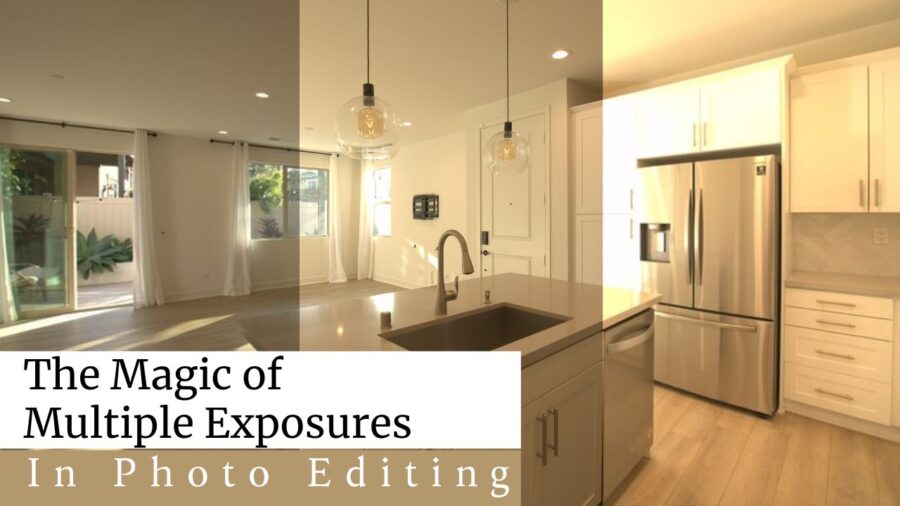
Multiple exposures in photo editing are more than just a trend; they are a medium for visual storytelling. By overlaying two or more subjects, you can convey complex emotions or surreal concepts that a single shot simply cannot capture. Consequently, photographers often use this method to merge portraits with natural textures or urban landscapes.
1. The Core Concept of Double Exposure Effects
Double exposure effects function by using light and dark values to merge images. In the digital realm, the darker areas of your primary “base” image act as a container for the “texture” image. Because pixels carry specific luminance data, software can intelligently decide which parts of each photo remain visible.
2. Why Digital Composition Beats Film
Digital composition offers a level of flexibility that vintage cameras never could. Specifically, you can adjust the opacity, mask out unwanted distractions, and experiment with various blending modes without wasting a single frame of film.
II. Essential Software for Blending Multiple Images

Blending multiple images requires a workspace that supports non-destructive editing and sophisticated layering. While many apps exist, the industry standards provide the most granular control over how your exposures interact.
1. Adobe Photoshop: The Standard for Multiple Exposures in Photo Editing
Layered photography results reach their peak performance within Photoshop. Adobe Photoshop remains the top choice for creators because it offers advanced masking tools and a wide variety of blending options, such as Screen, Multiply, and Overlay. Furthermore, the use of Smart Objects ensures your original files remain untouched.
2. Mobile Alternatives for Digital Composition On-the-Go
Digital composition isn’t restricted to desktops anymore. Apps like Snapseed or Lightroom Mobile allow users to create quick double exposures using “double exposure” tools. Although they lack some precision, they are perfect for rapid social media sharing.
III. Step-by-Step Guide to Creating Layered Photography Results
Layered photography results depend heavily on the initial preparation of your assets. To get started, you need a high-contrast base image, typically a silhouette or a subject against a clean, white background.
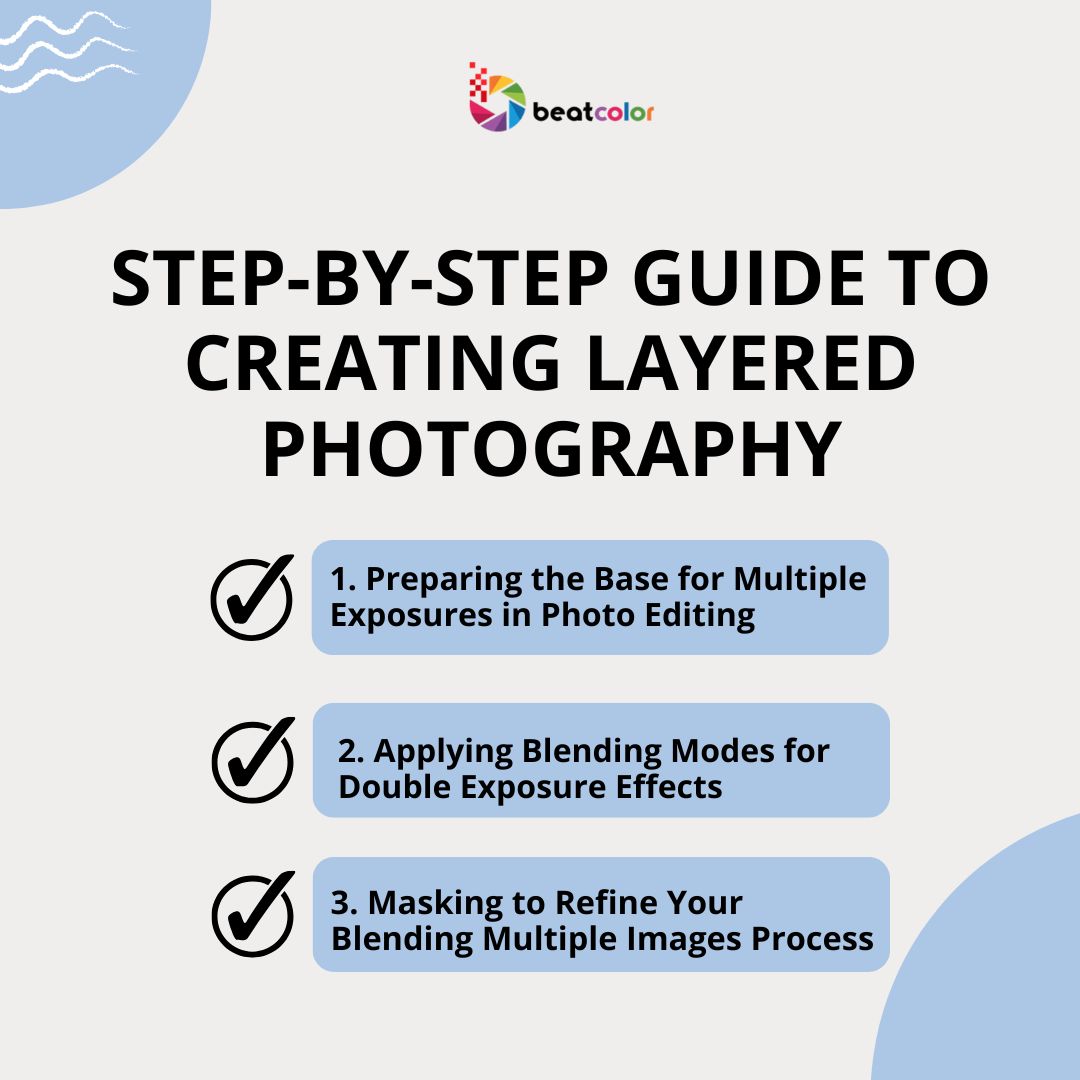
1. Preparing the Base for Multiple Exposures in Photo Editing
Multiple exposures in photo editing work best when the base photo has clear “empty” space. First, increase the contrast of your portrait to make the shadows deep and the highlights bright. This creates a “map” for where your second image will appear.
Flambient and HDR both use multiple images, but they’re actually meant for different goals and require different types of shots.
– HDR (High Dynamic Range) is created by blending several exposures of the same scene, usually a darker shot, a normal one, and a brighter one, to keep details in both the highlights and shadows. When shooting for HDR, it’s important to keep your camera completely still and only adjust the exposure settings between shots.
– Flambient (short for flash + ambient), on the other hand, combines two main images: one taken with natural light and another taken with flash. The ambient photo captures the natural mood and atmosphere of the space, while the flash photo helps clean up the lighting and bring out more accurate colors. These are then blended together during editing to create a more polished and realistic result.
In short, HDR is all about capturing a wider range of light, while Flambient is about controlling and balancing different light sources.
2. Applying Blending Modes for Double Exposure Effects
Double exposure effects are mostly achieved through the “Screen” or “Lighten” blending modes. When you drop your second image (like a forest or a city skyline) onto the base and change the mode to Screen, the second image will only be visible in the dark areas of the first.
3. Masking to Refine Your Multiple-Image Blending Process
Blending multiple images often results in some messy overlaps, especially around the face or eyes of a portrait. Therefore, use a soft brush tool on a layer mask to gently erase parts of the texture image where you want the original subject’s features to shine through clearly.
IV. Tips for Better Digital Composition
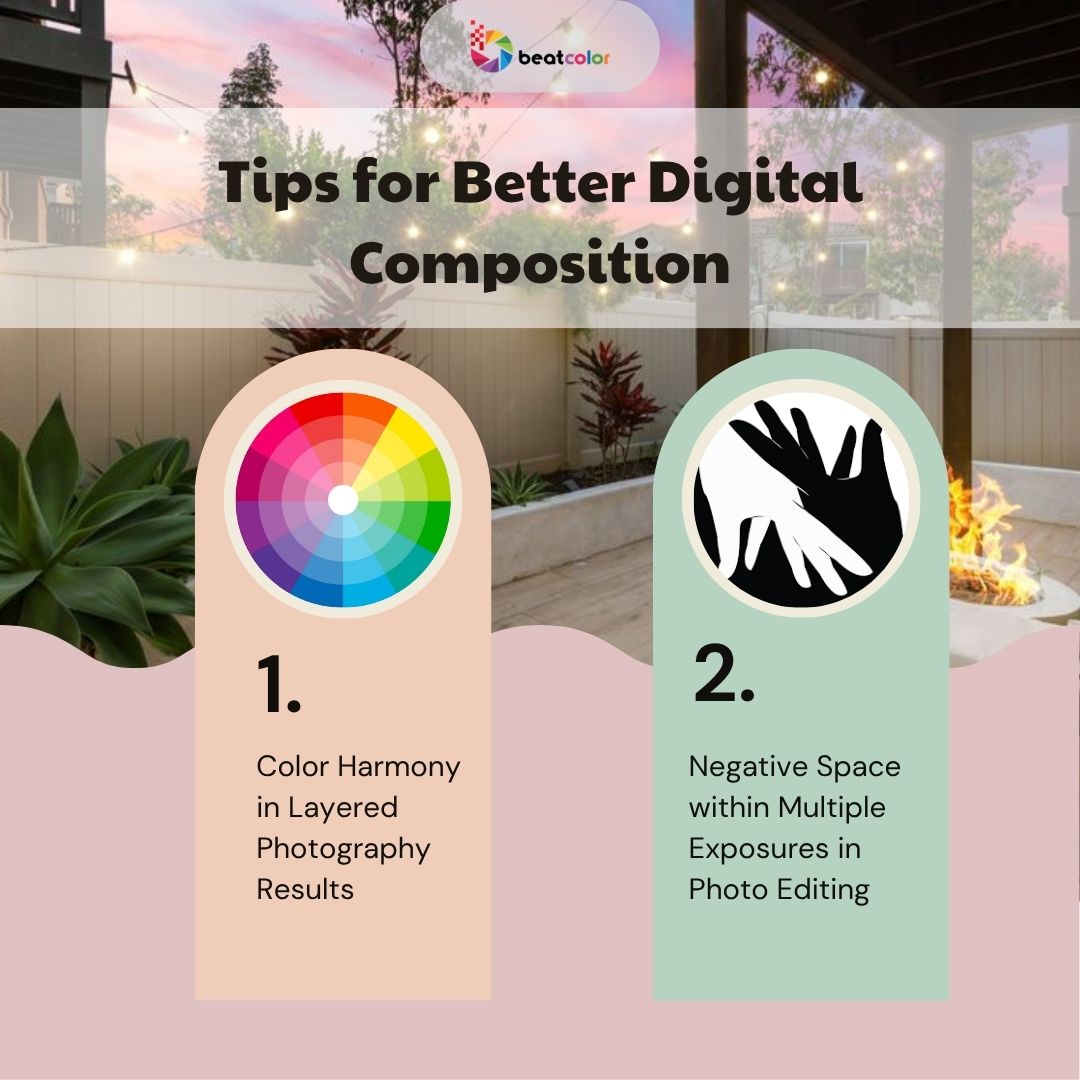
Digital composition requires a keen eye for balance and harmony. If the two images are too busy, the final result will look cluttered rather than artistic.
1. Color Harmony in Layered Photography Results
Layered photography results look more professional when the color palettes of both images complement each other. For example, if your portrait is cool-toned, try a landscape with blues or greens. Conversely, use a warm sunset to add a dramatic glow to a monochrome silhouette.
2. Negative Space within Multiple Exposures in Photo Editing
Multiple exposures in photo editing thrive on simplicity. By leaving plenty of negative space around your subject, you give the viewer’s eye a place to rest. This emphasizes the complexity of the “filled” areas of the photo.
Final Thoughts
Multiple exposures in photo editing offer a limitless playground for your imagination. By mastering double exposure effects and understanding the nuances of digital composition, you can transform ordinary snapshots into museum-quality digital art. At BeatColor, we think every image can be great with the right tools and techniques.
For more advanced editing techniques and professional services, feel free to explore our external resources at Adobe Creative Cloud.
Read more:
Photo Enhancement: The Secret to Luxury Real Estate Visuals in 2026
Professional Photo Editing Services for High-Quality Images
5 Best Photo Editing Software in 2026 for Creators and Professionals