
Real Estate Photo Color Correction: The Field Guide

Real Estate Photo Color Correction restores believable colors while preserving the property’s actual character.
In real estate photography, beautiful images are only half the job. Buyers also need an honest impression of the spaces they are considering.
This field guide explores the decisions behind professional color correction. It covers practical workflows, common editing mistakes, current industry developments, and quality-control techniques.
The Market Signal: Why Color Matters
Online property listings compete for attention within seconds. Therefore, photographs must communicate space, atmosphere, and material quality immediately.
Zillow’s 2025 Consumer Housing Trends Report offers an important insight. Among prospective buyers, 26% ranked high-resolution photos as their most important listing feature. Floor plans ranked first, at 33%.
These findings demonstrate the importance of visual presentation during property searches.

Diagnose Before You Edit
Every photograph has a different color problem. Consequently, applying the same preset across an entire property can produce inconsistent results.
Start by identifying the dominant issue before adjusting any sliders.
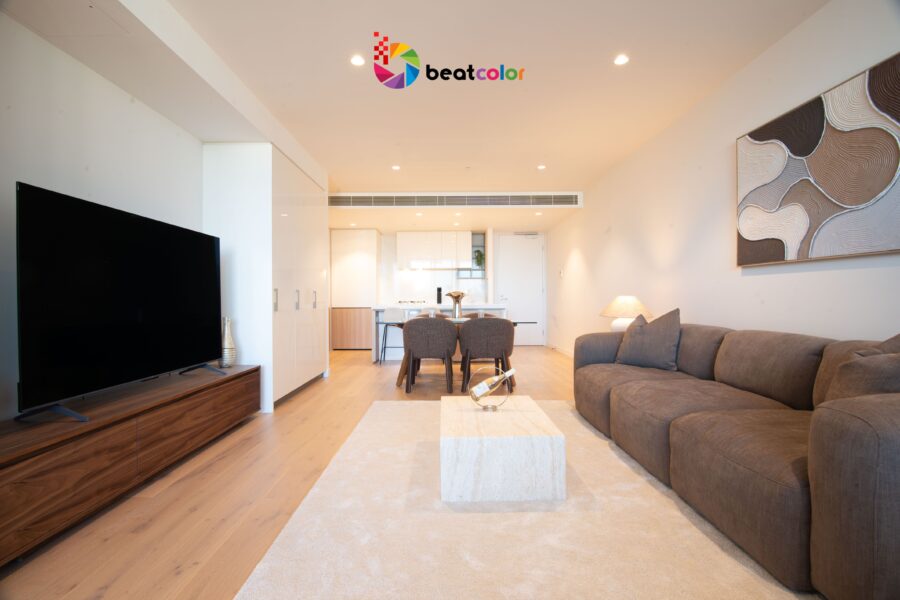
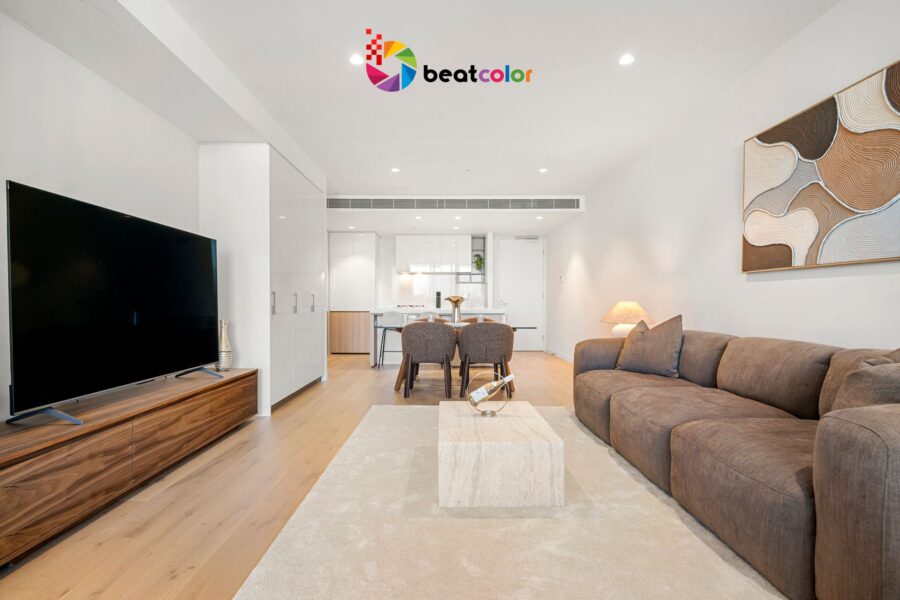
Case A: The yellow living room
Warm ceiling lights often introduce yellow or orange casts. White walls may appear cream, while gray furniture develops unwanted warmth.
Begin with white balance. Adjust temperature and tint until neutral surfaces look natural without removing the room’s genuine warmth.
Case B: The blue kitchen
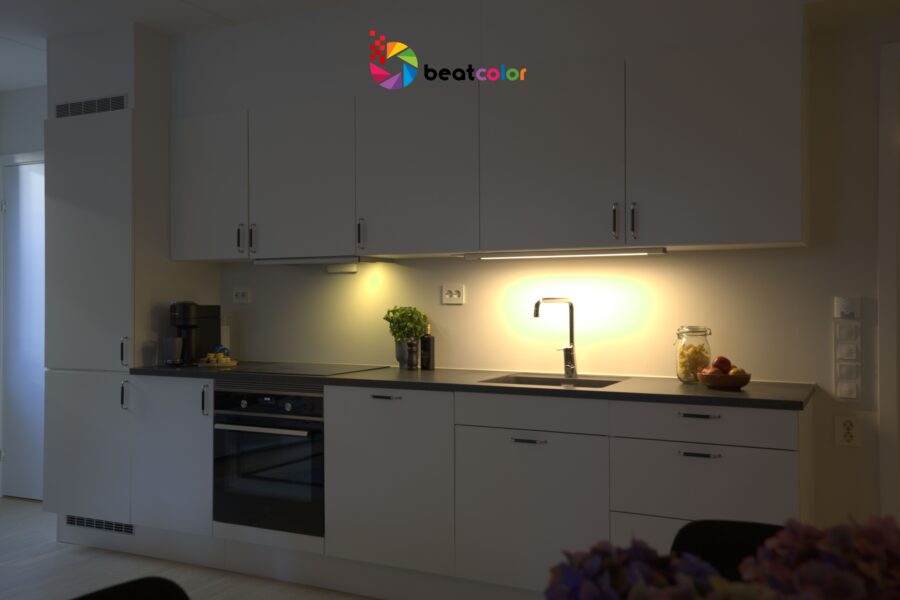
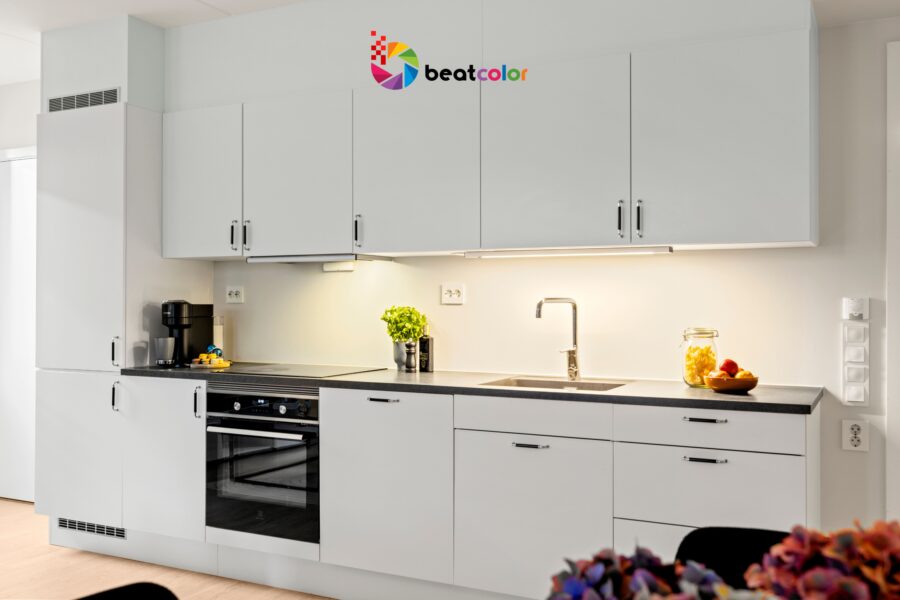
Cool daylight entering through windows can compete with warmer interior lighting. Cabinets may appear blue, even when their actual finish is neutral.
Correct the overall white balance first. Then use local adjustments to balance specific areas without damaging neighboring colors.
Case C: The lifeless bedroom
Underexposure can make attractive materials appear dull. Meanwhile, excessive saturation may turn subtle colors into artificial-looking shades.
Lift exposure carefully and refine contrast. Restore color gradually, checking skin tones, wood finishes, fabrics, and painted surfaces where applicable.
Case D: The inconsistent property gallery
One photograph appears warm, another looks blue, and a third feels unusually saturated.
Compare images side by side. Establish a consistent visual baseline while respecting each room’s different lighting conditions.
The Five-Stage Correction Workflow
Professional results come from a repeatable process rather than random adjustments.
Stage 1: Establish neutral white balance
Identify trustworthy neutral references, such as white trim or gray surfaces. However, remember that supposedly neutral materials can reflect surrounding colors.
Adjust temperature and tint together. Avoid removing every warm or cool nuance simply to create perfectly white surfaces.
Stage 2: Balance exposure and contrast
Correct exposure before making detailed color adjustments. This helps reveal shadow information and establish a useful tonal foundation.
Protect window highlights while maintaining visible interior details. Avoid aggressive HDR effects that create halos or unnatural transitions.
Stage 3: Refine individual colors
Use selective color tools when global adjustments cannot solve specific problems. HSL controls can help refine hue, saturation, and luminance independently.
For example, reduce excessive orange in wooden cabinets without making nearby terracotta accessories look gray. Small, targeted corrections usually preserve realism better than broad saturation changes.
Stage 4: Match the complete gallery
Review the living room, kitchen, bedrooms, and exterior images together. Maintain consistent whites, believable wood tones, and balanced saturation.
Nevertheless, do not force every image into identical brightness. A shaded bedroom should retain its natural atmosphere.
Stage 5: Inspect the final export
Check images at both full size and typical mobile viewing sizes. Look for color banding, clipped highlights, unnatural shadows, and compression artifacts.
Export according to the destination platform’s specifications. Preserve the original files and maintain an organized, repeatable workflow.
The 2026 Realism Standard
The current direction of real estate editing combines efficient technology with greater attention to image authenticity.
In October 2026, the National Association of REALTORS® highlighted growing concerns about digitally altered listing photographs. It reported research identifying AI alterations in approximately 11% of primary images examined across leading US property portals.
That finding came from an analysis of approximately 40,000 listing images. It should not be interpreted as a universal estimate for every market.
The report also distinguished routine photographic adjustments from edits that change property representation. Exposure, white balance, sharpening, and ordinary color correction generally preserve the property’s underlying features.
By contrast, changing structural details or materially altering views can mislead prospective buyers.
California’s AB 723, effective January 1, 2026, introduced disclosure requirements for covered digitally altered real estate images. Professionals should verify applicable state laws and MLS policies before publication.
THE PRACTICAL RULE: Improve the photograph without changing the property’s reality.
AI can accelerate repetitive adjustments and support efficient workflows. Nevertheless, human review remains valuable for detecting unnatural colors, inconsistent lighting, and misleading visual changes.
The Color Correction Toolkit
A reliable workflow combines suitable software with a clear editing strategy.
Adobe Lightroom: Useful for white balance, exposure, HSL adjustments, and synchronized corrections across image collections.
Adobe Photoshop: Valuable for precise local adjustments, complex color problems, and detailed finishing work.
RAW processing: When available, RAW files provide greater flexibility for adjusting white balance and recovering tonal information.
Reference comparisons: Keep original photographs available throughout editing. They help prevent attractive enhancements from drifting away from the property’s actual appearance.
Batch processing: Synchronize suitable settings across similar photographs, then review each image individually. Automation should accelerate consistent work, not eliminate quality control.
No single tool guarantees professional results. The editor’s decisions ultimately determine whether the final images feel natural.
The Five-Minute Quality Control Test
Before delivery, evaluate every image against five practical checkpoints.
- White balance: Do neutral surfaces appear believable without unwanted color casts?
- Material accuracy: Do wood, stone, paint, tile, and fabrics retain realistic colors?
- Lighting: Are shadows readable, highlights controlled, and windows reasonably balanced?
- Gallery consistency: Do neighboring photographs share a coherent visual style?
- Authenticity: Does the image accurately represent the property’s features and condition?
If an image fails any checkpoint, correct the underlying issue before exporting.
Additionally, inspect the entire gallery rather than approving photographs individually. Consistency becomes easier to judge when images appear together.
Final Thoughts
Real Estate Photo Color Correction requires more judgment than simply making photographs brighter.
The strongest results combine accurate white balance, controlled contrast, restrained saturation, and consistent presentation. They make spaces appealing without inventing qualities the property does not possess.
For photography businesses, a documented workflow improves repeatability and simplifies quality assurance. For agents, natural-looking images support clearer expectations and more credible marketing.
For editing teams, the opportunity is equally practical. Use automation for efficiency, human judgment for nuance, and transparent standards for responsible delivery.
The ultimate benchmark is straightforward: The photograph should look polished online and remain believable when buyers visit in person.
Read more:
Real Estate Image Enhancement: Sell Homes Faster for More
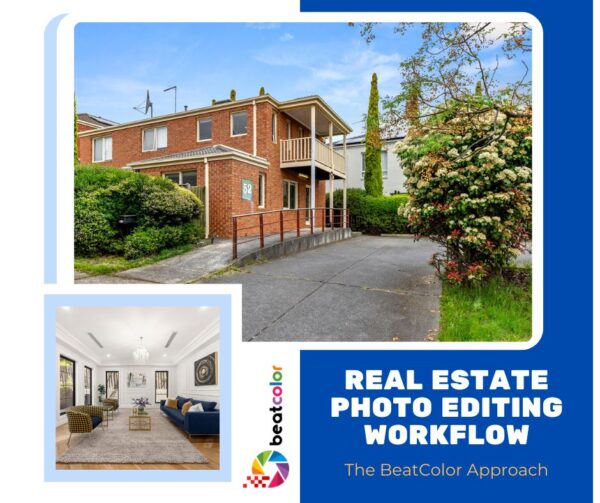
Real Estate Photo Editing Workflow: The BeatColor Approach
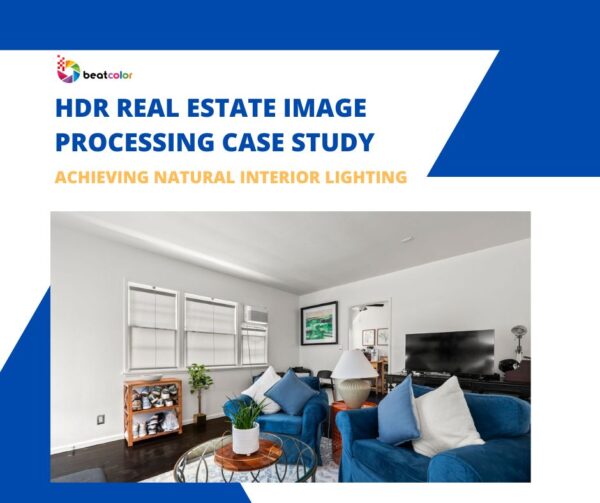
HDR Real Estate Image Processing Case Study: Achieving Natural Interior Lighting