
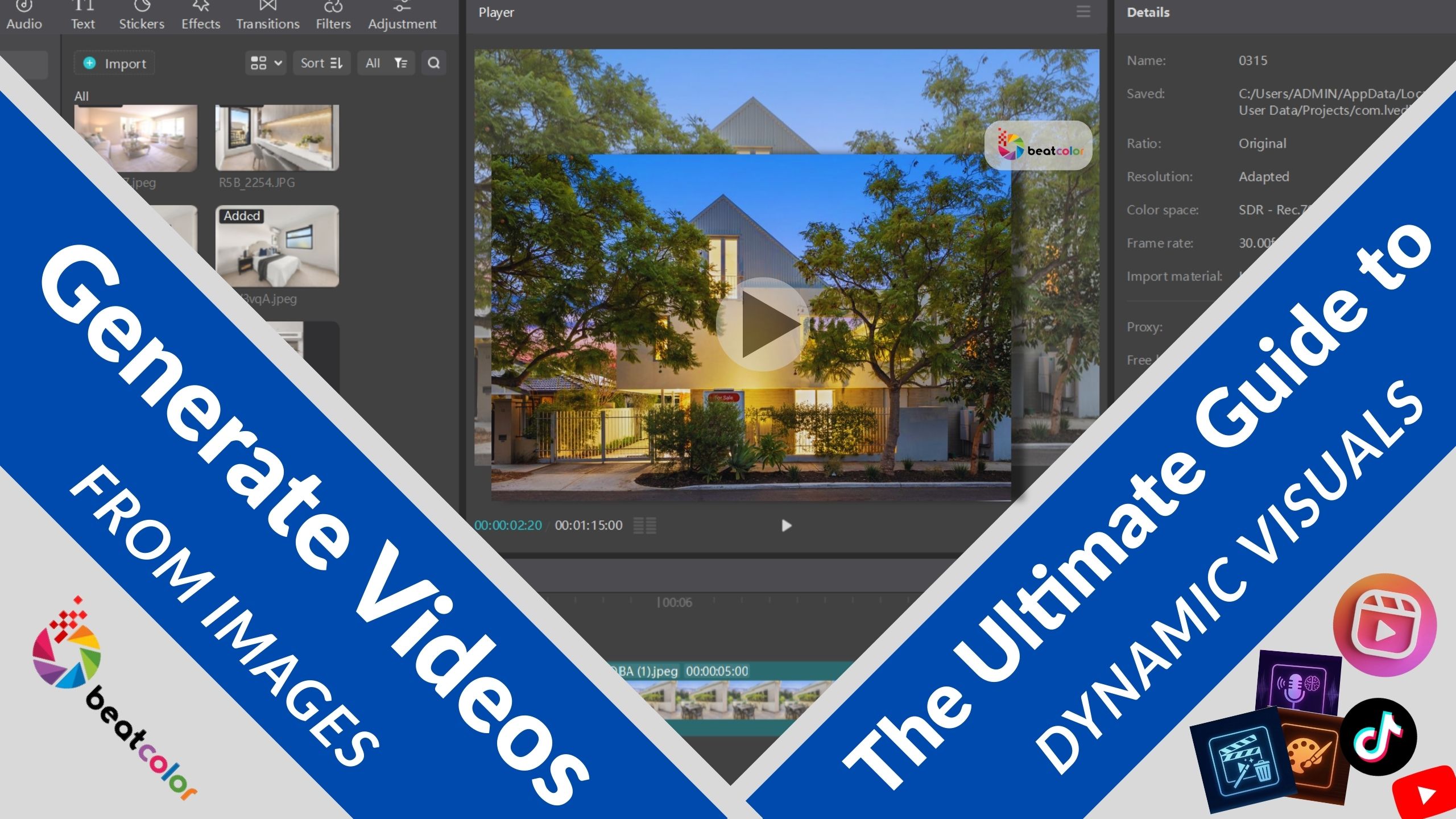
Generate Videos from Images: The Ultimate Guide to Dynamic Visuals

Generating videos from images has become a cornerstone of modern digital storytelling, especially in high-stakes industries like real estate. While photos capture moments, video breathes life into frames. As a result, viewers truly experience a space. Because the brain processes motion faster than text, converting photos to video is now a market necessity.
In this blog, we’ll share the essential techniques to create video from photos, explore the best AI-powered tools available, and provide a step-to-step guide on how to optimize these assets for maximum engagement. Whether you are a real estate professional or a creative editor, this guide is for you. Specifically, it helps you master transforming stills into motion. As a result, you can easily elevate your brand’s digital presence.
I. Why You Should Generate Videos from Images for Your Brand
Generating videos from images offers a cost-effective way to produce high-end content without the need for expensive film crews. By utilizing the professional photography you already possess, you can build a library of “living” content that performs significantly better on social media algorithms. Furthermore, motion content tends to hold a viewer’s attention for much longer than a simple gallery of slides.
1. Generating Videos from Images Helps Increase Engagement on Social Media.
When you create video from photos, you are essentially building “thumb-stopping” content. Platforms like Instagram and TikTok prioritize moving images, which means your property listings or product showcases will reach a wider audience. Consequently, your click-through rates will likely see a substantial jump compared to static posts.
2. Maximizing Existing Asset Value by Generating Video from Images
Instead of letting old photos gather digital dust, you can convert images to video to give them a second life. This is particularly useful for real estate archives where a “Before and After” transition can showcase a renovation perfectly. Since you have already invested in photography, the marginal cost of adding motion is incredibly low.
3. Creating Videos from Images will Boost SEO and Dwell Time
Search engines love video. By embedding a video generated from images onto your website or blog, you encourage visitors to stay on the page longer. This increase in “dwell time” signals to Google that your content is valuable, which helps improve your overall search rankings.
II. Leading Tools to Create Video from Photos
Generating videos from images is now easier than ever thanks to the rapid advancement of Artificial Intelligence and user-friendly editing software. You don’t need to be a professional animator to achieve cinematic results. Below are some of the most effective tools currently leading the market.

1. AI-Powered Motion Platforms to Generate Videos from Images
Modern AI tools can analyze the depth of a 2D image and simulate camera movements like pans and zooms. Platforms such as Runway or Pika Labs allow users to transform stills into motion by simply uploading a file and providing a brief prompt. These tools are perfect for creating atmospheric backgrounds or subtle movements in architectural shots.
2. Professional Desktop Software to Create Video from Photos
For those who require more granular control, software like Adobe Premiere Pro remains the gold standard. You can use the “Ken Burns” effect to manually create movement. Additionally, incorporating high-end photo editing before the video conversion ensures that the base images look flawless, which is a critical step in professional real estate marketing.
3. Mobile-First Applications to Convert Images to Video
If you are on the go, apps like CapCut provide incredible templates to convert images to video in seconds. These apps offer built-in music libraries and transitions that are specifically designed for social media trends. However, keep in mind that while convenient, they might lack the professional polish required for luxury property listings.
III. Step-by-Step Process to Transform Stills into Motion
Generating videos from images requires a strategic approach to ensure the final product doesn’t look like a simple slideshow. To achieve a professional feel, you must focus on the “flow” between frames.
1. Selecting High-Resolution Files to Create Video from Photos
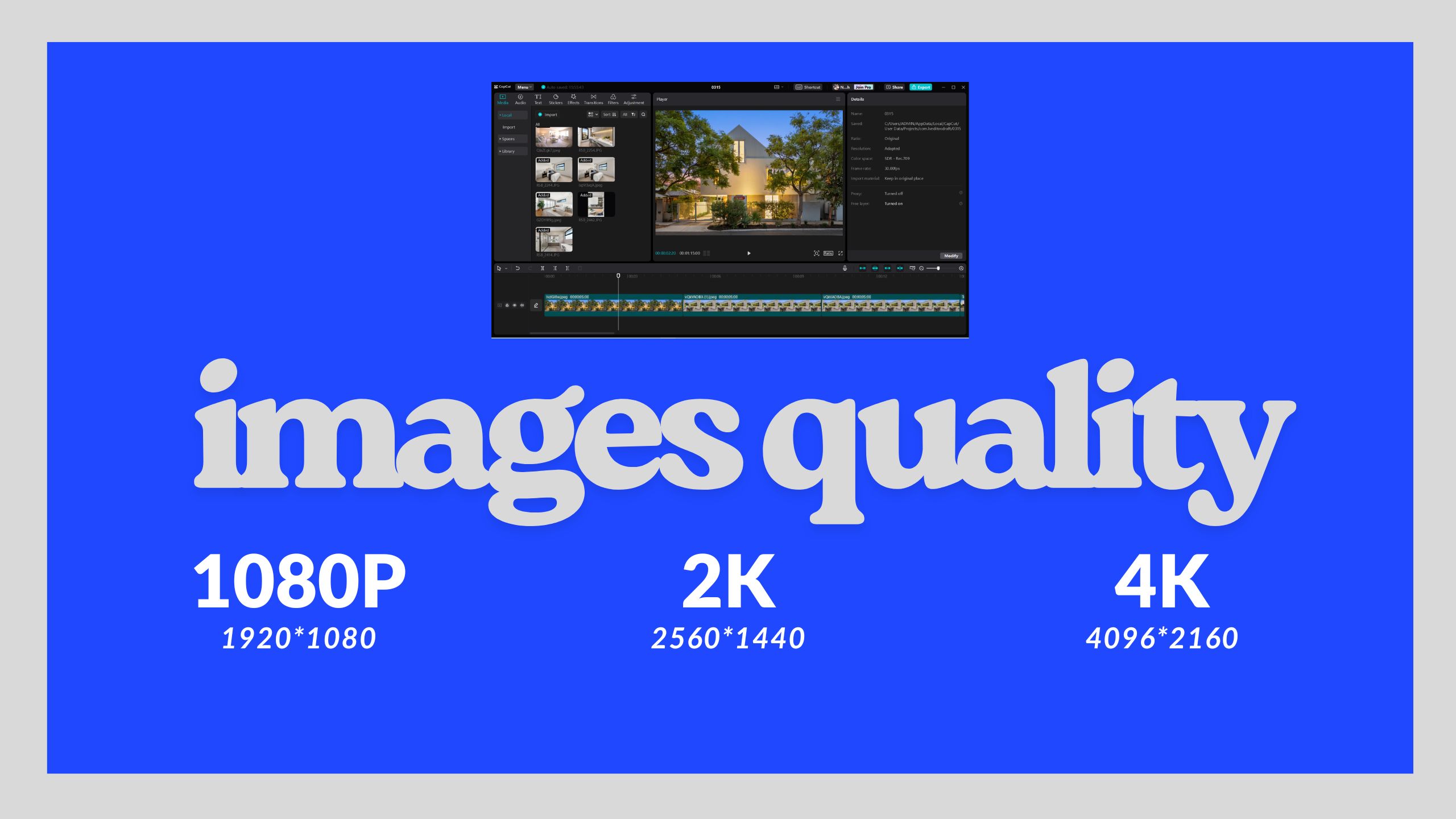
The quality of your video depends entirely on the quality of your photos. Always start with high-resolution, professionally edited images. If the source is blurry, the motion will only accentuate those flaws. Therefore, ensure your lighting and composition are perfect before you even think about the video stage.
2. Applying Subtle Camera Movements to Transform Stills into Motion
When you create video from photos, less is often more. Avoid dizzying transitions. Instead, use slow zooms (push-in) to create a sense of intimacy or a slow pan to reveal the scale of a room. This mimics the movement of a real video camera, making the final result feel authentic and premium.
3. Adding Music and Sound Overlays to Convert Images to Video
Sound is 50% of the video experience. Even a simple ambient track can make a huge difference. Because the goal is to evoke emotion, choose music that matches the vibe of the visual—upbeat for a modern apartment, or calm and classical for a luxury estate. You can find excellent royalty-free tracks on sites like Epidemic Sound.

IV. Best Practices to Generate Videos from Images for Professional Results
Generating videos from images can sometimes result in “uncanny” or robotic movements if not handled carefully. To maintain a human touch, you should focus on the timing and the “story” the images are telling.
1. Maintaining Logical Flow to Create Video from Photos
Ensure that the sequence of images follows a natural path, such as walking through a front door into the living room. If the images jump around randomly, the viewer will become disoriented. Consistency is the key to professional-grade storytelling.
2. Using Transitions Wisely to Transform Stills into Motion
While it is tempting to use flashy transitions, they can often distract from the subject. Cross-fades are generally the safest bet for a clean look. Nevertheless, if you are making a fast-paced highlight reel, quicker “cuts” can add energy to the presentation.
Final Thoughts
Generating videos from images is a powerful skill that bridges the gap between static photography and expensive videography. By following the steps outlined above and using the right tools, you can create compelling, high-converting content that resonates with your audience. Remember that the quality of your output starts with the quality of your input; start with great photos, add intentional motion, and the results will speak for themselves.
Read more:
Professional Photo Editing Services for High-Quality Images
Video Editing with AI: The Ultimate Guide to Modern Filmmaking
5 Best Photo Editing Software in 2026 for Creators and Professionals